




GREAT Canadian Rewards
MEMBER PORTAL
JOIN FOR FREE TODAY
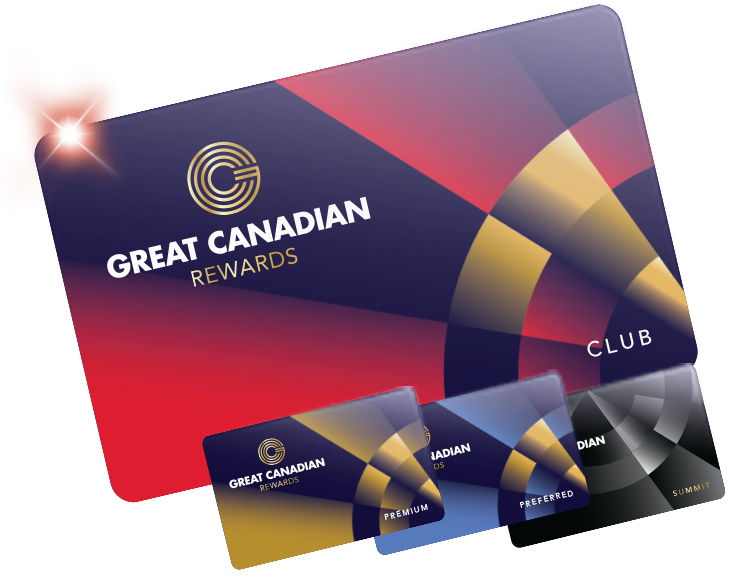
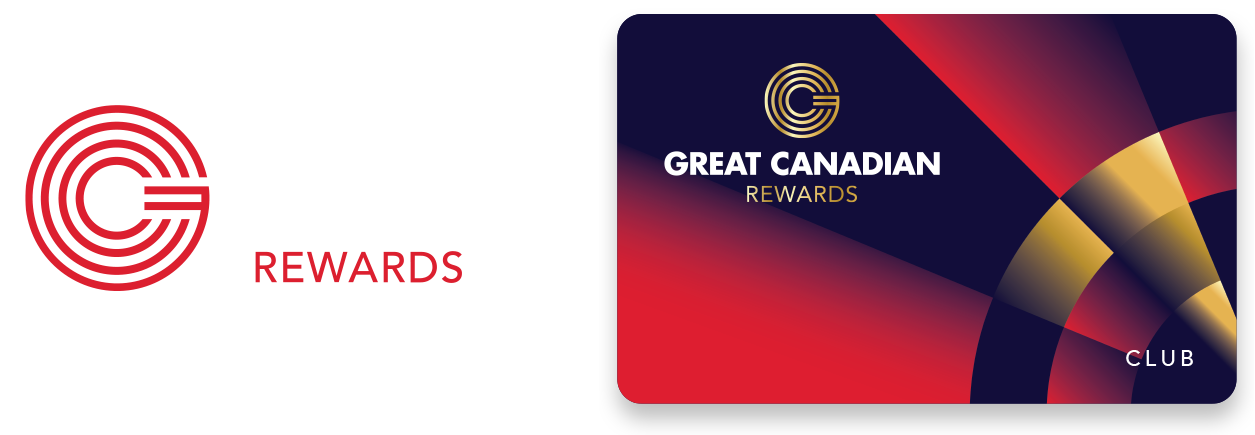
YOUR WELCOME
OFFER AWAITS
STEP ONE
Sign up online or in-person at Guest Services between now and March 31, 2026.
STEP TWO
Visit any Great Canadian Rewards destination and insert your rewards card into a slot machine
STEP THREE
Select the “U-Spin” icon to launch the wheel and claim your offer of up to $2,500 Slot Play
Open to new Great Canadian Rewards members aged 19 or older who are not self-excluded or trespassed. Prizes have no cash value and must be used within 30 days. Offers are non-transferable and must be accepted as awarded. See full terms and conditions.
What you'll find in the
Member Portal
Unlock exclusive rewards at your fingertips—check balances, enjoy special promotions, and get early access to tickets with members-only presale codes, plus much more.
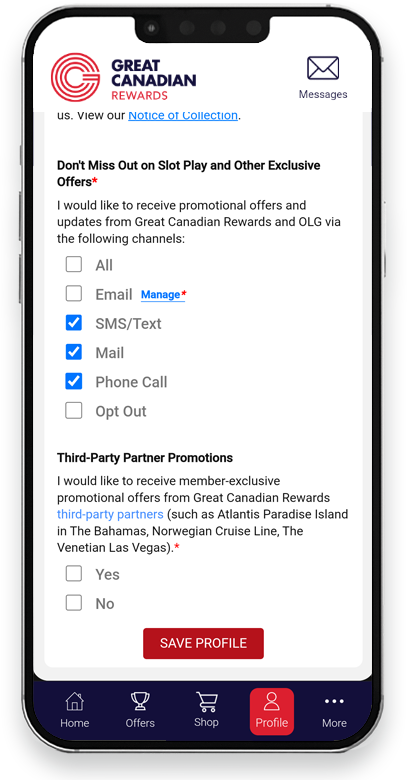
Account Management
Conveniently keep your contact information and marketing preferences up to date
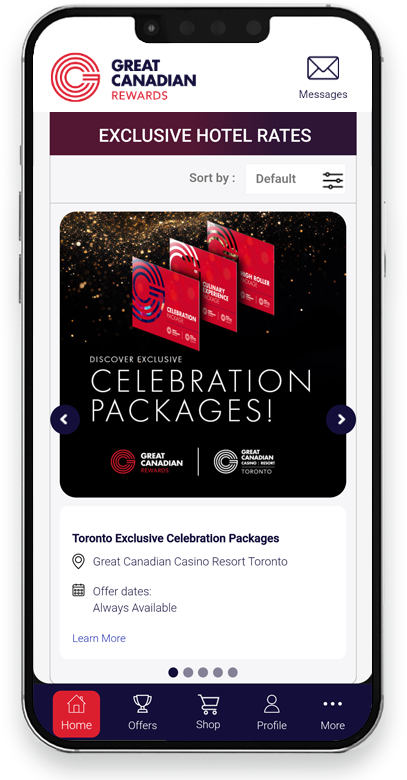
Exclusive Promotions
Be the first to know about exclusive promotions and turn a good night into a great night
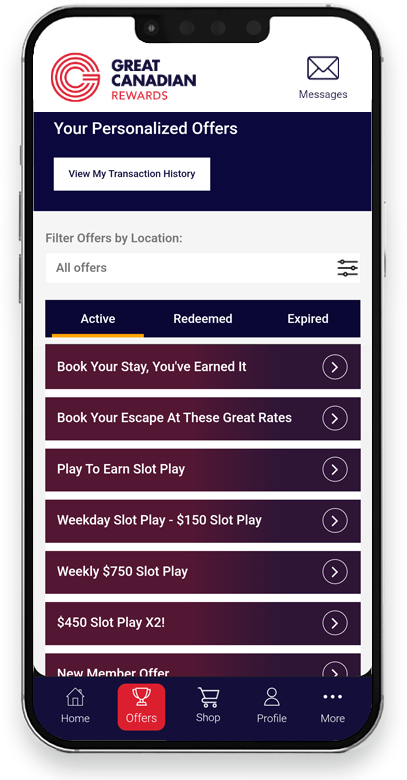
Manage Your Offers
View all of your Great Canadian Rewards promotional offers in one location
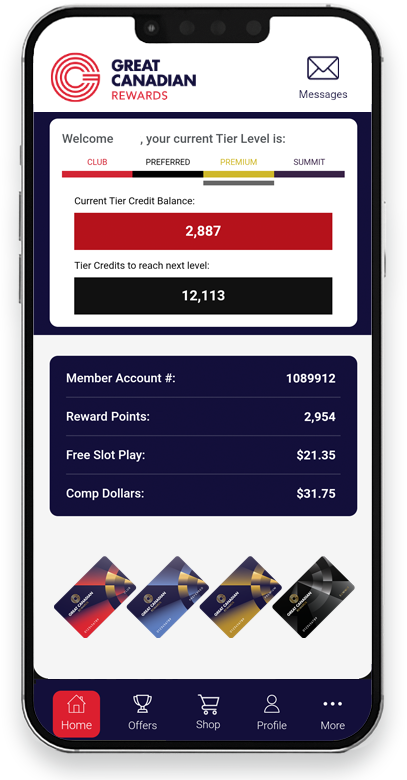
Check Your Balances
Keep a tab on all your balances, including Reward Points, Comp Dollars, Slot Play, and Tier Credits
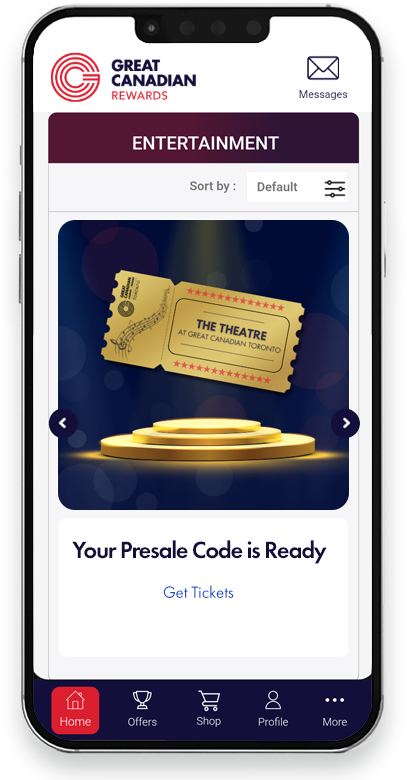
Early Ticket Access

Redeem Comp Dollars
GREAT REWARDS ARE WAITING
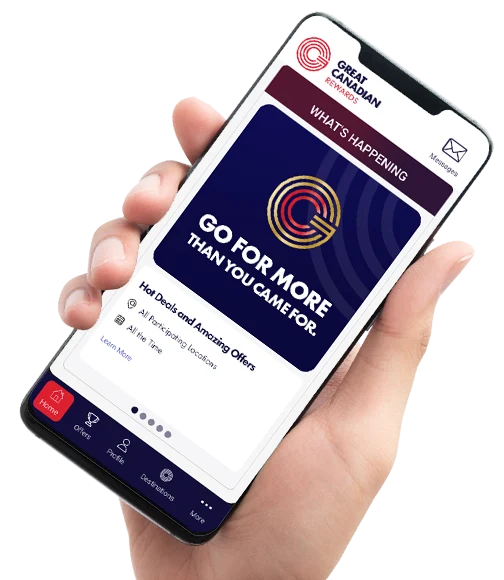
Access the Member Portal today at gcrewards.com/login or download the app to manage your rewards on the go!


Great Canadian Rewards Mobile App
Can I use the Member Portal if I am not a member?
What are the steps to download the app and log in for the first time?
- Go to your App Store or Google Play.
- Search ‘GC Rewards’ or download it here.
- Download the GC Rewards mobile app. You may be prompted to sign in to your app store account before downloading. This login is related to your app store (such as Apple ID or Google account), not your GC Rewards account.
- Once the GC Rewards mobile app has finished downloading, locate it in your device’s App Library and open it.
- Enter your Great Canadian Rewards member account number and four-digit Rewards PIN. If you’ve forgotten your Account Number, select the option on the login page to retrieve it. If you’ve forgotten your PIN, select the option on the login page to reset it.
- Validate your account by entering the six-digit verification code sent to the mobile number or email address you provided at the time of sign-up.
What steps do I follow to access the Member Portal on a browser and log in for the first time?
- Log in at gcrewards.com/login
- Enter your Great Canadian Rewards member Account Number and four-Digit Rewards PIN. If you forgot your Account Number, please select the option available on the log in page to retrieve your information. If you forgot your PIN, please select the option available on the log in page to change your PIN.
- Validate your account by entering the six-digit verification code sent to the mobile number or email address you provided at the time of sign-up.
I haven’t received my verification code by email. What can I do?
Please check your junk and promotional folders, as our message may have been flagged by your email provider as spam. Alternatively, please check your trash bin in the event it was deleted by mistake. You can also try an alternate method of verification, such as the mobile phone number on your account.
If you are still not having success, visit a Great Canadian Rewards destination to confirm that your email address and phone number have been entered into our system correctly.
Can I update my mailing address, email address, or phone number?
Yes! Use the “my profile” tab to update this information, or visit Guest Services at your preferred Great Canadian Rewards destination with a valid government-issued photo ID.
I’m unable to save changes to My Profile. What should I do?
Please ensure you have entered a valid Postal Code that matches your physical mailing address. Contact support@greatcanadian if the issue persists.
My name or date of birth is incorrect. Can this be updated?
To correct any errors with your name or date of birth, please visit a Great Canadian Rewards destination in person and bring a valid government-issued photo ID.
Can I opt-in to receive mail, SMS, or email offers from my account?
How do I opt-in for third party communications?
To opt in to receiving third-party communications, log in to the Member Portal and go to the My Profile tab. Scroll to Communication Preferences and select Yes for third-party promotional offers. Accept the terms, click Confirm and Agree, and then select Save Profile to apply your changes. Please ensure that your account has a valid email address or phone number on file.
Where do I find my offers?
Can I book a hotel room or make a dining reservations on the Member Portal?
No. We are always looking for ways to improve your experience! Features like this may be developed in the future. Stay tuned.